A real machine. Room to make it yours.
Full Linux VMs with root access. Install your tools, run Docker, and keep your files and environment between sessions.
 BoxHaven
01 A place for your work
Persistent remote Linux boxes for Claude Code, Codex, and you. Start something on a box. Close your laptop. Come back to where you left off.
Your tools. Your context. A little more room.
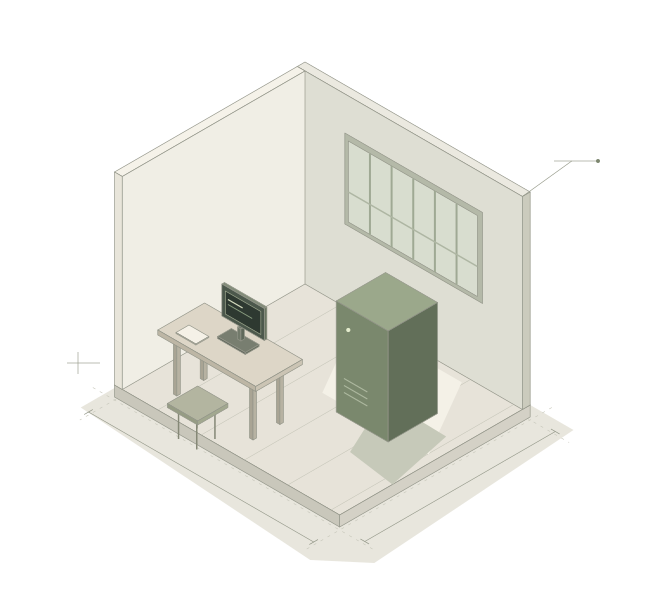
Built to stay.
Designed to be yours.
Full Linux machines Persistent sessions Open source
02 Settle in. Step away.
A few commands open the door. Your agent runs inside the box’s managed tmux session, so disconnecting doesn’t end the work.
Install the CLIbh loginConnect to hosted BoxHaven or your own backend.
bh create workCreates a box and syncs this project once.
bh run work codexStarts Codex on the box. Prefer Claude Code? Use bh run work claude.
bh connect workReattach to your session. The room is as you left it.
03 Considered from the ground up
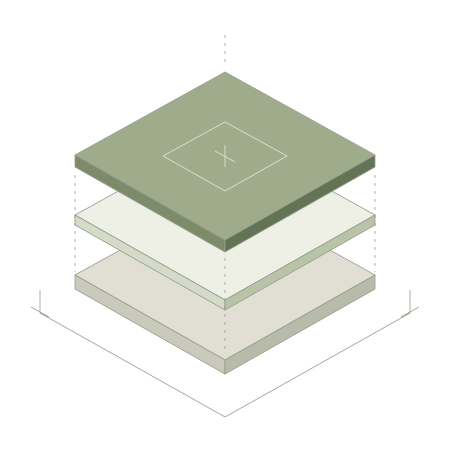
Full Linux VMs with root access. Install your tools, run Docker, and keep your files and environment between sessions.
Use SSH, scp, rsync, or VS Code Remote SSH. Run bh ssh-config install once, then connect with ssh bh-work.
Your project syncs when the box is created. After that, you choose when to push or retrieve changes. bh run leaves your remote files alone.
bh sync up work bh sync down work --forceSync up mirrors local changes and deletions. Sync down overwrites local files.
Share boxes within your team, with owner, admin, and member roles. When previews are configured, share a running web app through the box’s public URL.
04 Choose your setting
Leave the work open.
There’s room for
what comes next.